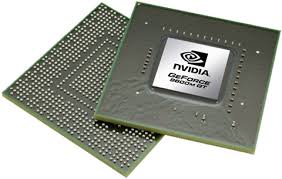
In case you have the latest (late 2008 model) MacBook Pro you might find one keyboard shortcut of particular interest: screen reset.
Why?
Screen flickering. Some MacBooks flicker like crazy and resetting the screen may help. It did help me.
The shortcut: Ctrl + Shift + Eject Key
Keywords: flickr, flicker, flickering, screen, LED, macbook pro late 2008, nvidia, performance mode, 9600 9400

No comments:
Post a Comment